

You know that stomach-dropping moment when a regular sits in your chair and you can't quite remember how they like their fade? Or worse — when they leave unhappy because the new guy didn't know they hate squared-off necklines, even though the client swears they mentioned it last time.
Most barbershops lose thousands in refunds and repeat clients every year because they're running on barbers' memories instead of actual documentation. Not because barbers don't care — remembering 200+ clients' preferences across multiple staff members is just genuinely impossible without some kind of system.
The hidden cost of style memory gaps
The hidden cost of style memory gaps
A typical 4-chair shop sees somewhere around 1,200 unique clients a year. Each barber might personally remember their top 40-50 regulars. But what happens when:
-
Marcus books with someone new because his usual guy is out sick
-
A client comes back after three months and expects you to remember their exact fade height
-
Your newest barber inherits a book of business with zero context on what those clients actually want
-
Someone drops a Google Review saying "they never listen" after one miscommunication
The operational hit is harder than most owners realize. Re-dos eat 25-30 minutes of chair time — that's lost revenue plus the cost of fixing it — and they damage your reputation with that client's entire social circle. Free services and discounts pile up faster than you'd expect.
Beyond the immediate cost, style inconsistency creates a slower, quieter problem: clients stop trusting your shop as their go-to. They start shopping around, rebook rates drop, and suddenly you're spending more on marketing just to hold the same revenue you had before.
Why photo history beats written notes every time
Written notes fail in pretty predictable ways. "Short on sides" means something completely different to different barbers. Typing detailed style notes mid-appointment slows everything down. And nobody's reading through paragraphs of notes when they're trying to move through a busy Saturday.
Never miss a booking amidst the hustle.
Trimzly helps you schedule, confirm, and manage every client visit seamlessly.
- Unified appointment management
- Automated client reminders
- Optimized staff scheduling
No credit card required
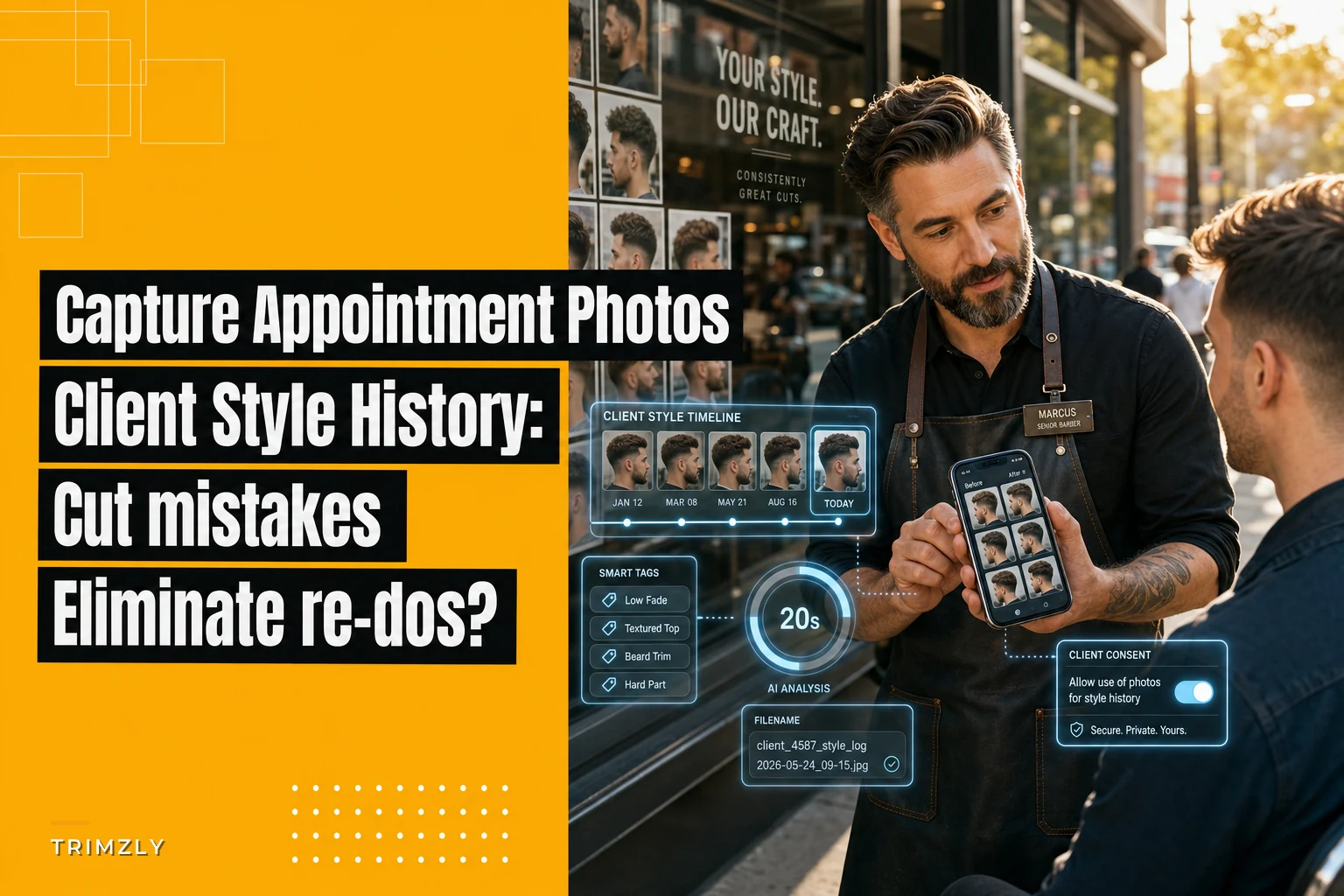
Photos solve all three problems at once. A before-and-after set takes about 8 seconds to capture and eliminates most interpretation issues on the spot.
Here's what makes photo documentation particularly useful for barbershops:
Visual precision that text can't match
-
Exact fade heights and blend points
-
Neckline shape preferences
-
How they wear their part
-
Beard length and shape details
-
Problem areas like cowlicks or thin spots
Speed during appointments A quick photo review takes a few seconds versus reading through a paragraph of notes. Your barbers can glance at the last cut's photos while the client's still walking to the chair.
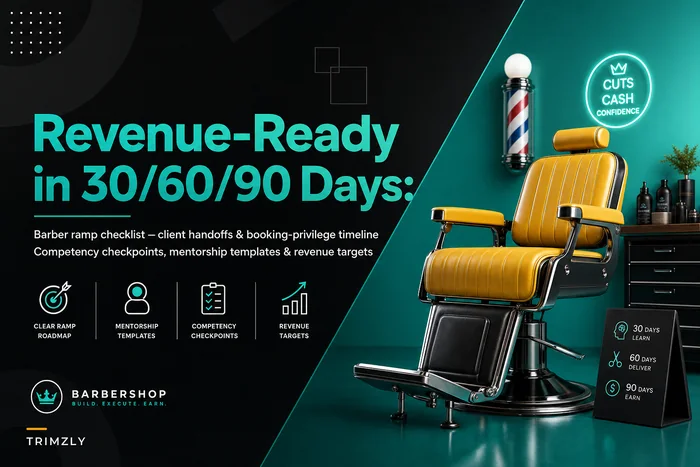
Training acceleration New barbers can study successful cuts from your experienced staff. Instead of shadowing for weeks, they see exactly what your regulars expect — which shortens the ramp-up period considerably when getting new barbers revenue-ready.
Setting up capture workflows that actually stick
The biggest mistake shops make with photo documentation is treating it like an optional nice-to-have. If it's not built into the standard workflow, it won't happen consistently — simple as that.
Pre-visit preparation
Before implementing any photo system, get three foundation pieces in place:
1. Privacy consent built into intake Add a simple line to your new client forms: "We photograph styles to ensure consistency across visits. Photos remain private to our team." Most clients appreciate this. It signals professionalism more than it raises concerns.
2. Storage system decided upfront Whether you're using a barbershop management platform or a simple cloud folder structure, decide where photos live before you start capturing. Phones fill up fast, and lost photos defeat the entire purpose.
3. Clear naming conventions ClientLastNameFirstNameDate works for most shops. Some prefer adding service type: SmithJohn2024-01-15_fade. The format matters less than everyone actually using the same one.
Use YYYY-MM-DD for dates in filenames to keep sorting consistent.
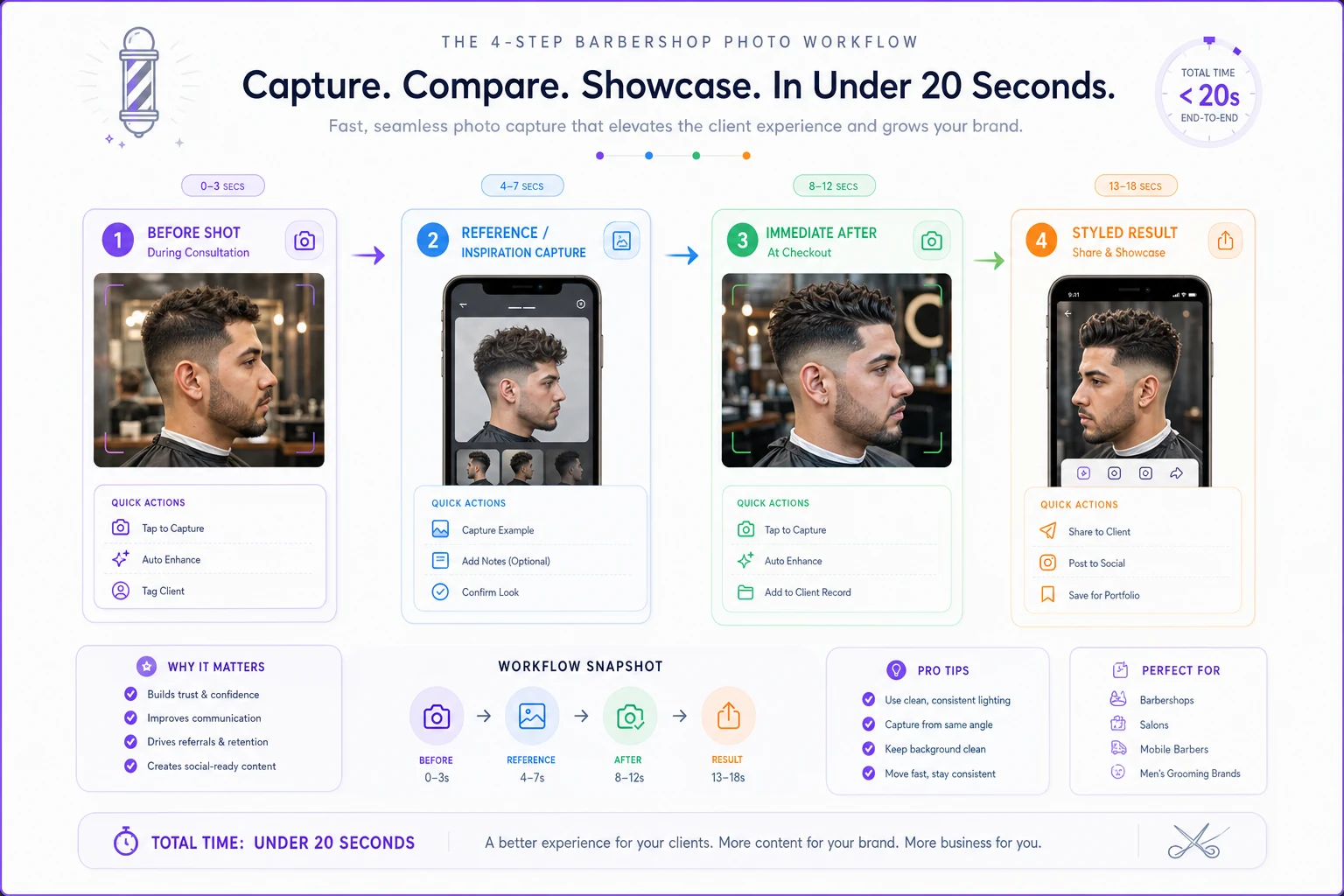
The 4-photo standard workflow
-
Before shot (consultation phase) — Capture the client's current state during consultation. Shows growth patterns and gives you a baseline.
-
Reference or inspiration (if applicable) — If they pull up a photo or have a specific request, capture that too. Eliminates "I showed you this picture" disputes later.
-
Immediate after (checkout) — The fresh cut from the back or side, showing the technical details clearly.
-
Styled result (optional but valuable) — How they actually wear it after styling. This matters more than most barbers give it credit for.
Use this sequence as your standard capture flow to keep it fast and reliable.
Making it effortless in practice
The whole capture process needs to take under 20 seconds, or it becomes a bottleneck. Most efficient sequence:
During consultation (5 seconds):
-
"Let me grab a quick before photo so we nail this exactly how you want"
-
Snap the photo while you're discussing the service
During checkout (10 seconds):
-
"Looking sharp — let me capture this for next time"
-
Quick back or side angle
-
Show them the result
One thing worth noting: clients generally like seeing their fresh cut photographed. It makes them feel like you're actually paying attention to their style, not just moving through another appointment.
Small-shop implementation without enterprise tools
Not every shop needs complex software. For 1-3 chair operations, a simple approach often works better than something overengineered.
Google Photos folder method
Create a shared Google Photos album for your shop. Each barber gets edit access. Organize by month, then subfolders by barber name. The search function handles finding specific clients when you need them.
Monthly structure example:
``
2024-01 (January)
  → Carlos
  → Mike
  → Tony
2024-02 (February)
  → Carlos
  → Mike
  → Tony
``
Pros: Free, searchable, works on any device Cons: Requires real discipline, no automatic organization
Basic spreadsheet + cloud storage hybrid
For shops that want more structure without software costs:
| Client Name | Phone | Last Visit | Photo Folder Link | Style Notes | Barber Preference |
|---|---|---|---|---|---|
| Johnson, Mike | xxx-xxxx | 1/15/24 | [Link] | Mid fade, natural part | Carlos or Tony |
| Smith, David | xxx-xxxx | 1/8/24 | [Link] | Low taper, beard trim | Any |
| Williams, James | xxx-xxxx | 1/12/24 | [Link] | High & tight, hard part | Mike preferred |
Store photos in Dropbox or Google Drive folders organized by client name. The spreadsheet is your quick reference; the photos live in organized storage behind it.
WhatsApp Business catalog hack
Some smaller shops use WhatsApp Business's catalog feature in a surprisingly functional way — each client becomes a "product," photos are the product images, and the description field holds their style preferences. It's unconventional but it works well for shops already using WhatsApp for bookings.
When photo history creates problems (and how to prevent them)
Not every situation benefits from photo documentation, and some approaches backfire.
Privacy concerns in certain communities Some clients genuinely don't want to be photographed — especially in smaller towns where this stuff feels more personal. Make photo capture opt-in, not mandatory. Mark non-photo clients clearly in whatever system you're using.
Storage chaos without maintenance Photos add up fast. A 4-chair shop can generate 150-200 photos a week. Without regular organization and trimming old photos down to the most recent 2-3 per client, the system becomes unusable within a few months.
Over-reliance replacing consultation The worst version of this: barbers stop talking to clients because "we have their photos." Photos supplement conversation, they don't replace it. Preferences change. That fade height they loved six months ago might not be what they want today.
Legal considerations for minors Photographing minors requires explicit parental consent. Some shops avoid this entirely and only photograph adult clients. Others collect written permission during the first visit.
Turning documentation into competitive advantage
Shops that actually stick with photo documentation tend to see specific improvements within 60-90 days.
Faster new barber integration New hires can study photo histories of inherited clients before their first appointments. They walk in knowing what's expected — which makes a real difference in those early interactions where trust with clients is still being established.
Reduced consultation time Pulling up last visit's photos cuts consultation from 3-4 minutes to under a minute for regulars. That's potentially 2-3 extra appointments per day, per chair.
Fewer refund requests When a client says "this isn't what I asked for," photo evidence usually resolves the dispute fast. Most clients, when they actually see the photos, realize the miscommunication was a two-way thing.
Premium service positioning Marketing "we maintain your complete style history" attracts clients who care about consistency and professionalism. Those clients typically spend more and refer more often.
Building photo workflows into broader operations
Photo documentation gets more powerful when it connects with other operational systems. Linking visual history to your appointment scheduling reduces no-shows — clients are more likely to keep appointments when they sense you're actually prepared for them specifically.
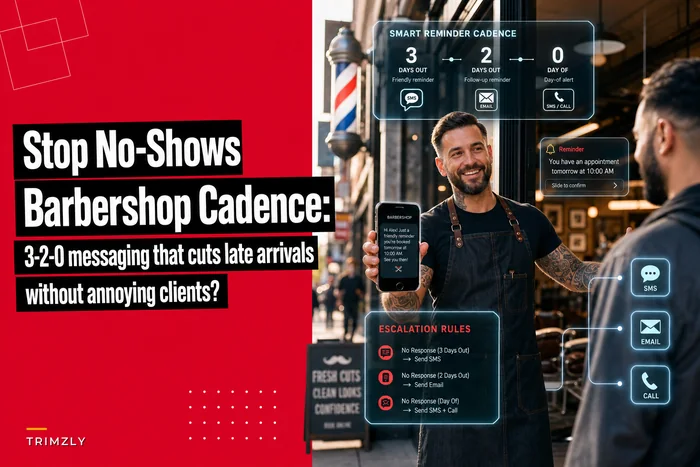
This ties directly into messaging cadences that cut late arrivals. Including a client's last haircut photo in appointment reminders can bump confirmation rates noticeably — clients see you remember them personally, not just as another booking slot.
For multi-location shops or those planning to expand, photo history doubles as a quality control system. You can audit consistency across locations, spot training gaps, and maintain standards as you scale.
Modern barbershop operational platforms increasingly include photo management as a core feature rather than an add-on. These platforms automatically organize photos by client, sync across devices, and connect with booking and payment workflows — meaning the manual overhead of maintaining a photo system mostly disappears. The upfront setup pays off through fewer re-dos, better client retention, and faster onboarding when you bring on new staff.
Making the shift stick long-term
The first two weeks usually determine whether photo documentation becomes standard practice or another abandoned idea. The key is removing every possible friction point from the capture process.
Start with just after photos — don't throw a complex system at staff from day one. Once after photos become automatic (usually within 10-14 days), add before photos. Build the habit in layers.
Assign one person as the point person for the first month. They make sure everyone's capturing, troubleshoot issues, and keep things organized. Rotating this role monthly prevents burnout while spreading ownership across the team.
When photo history actually prevents a re-do or saves a client relationship, make sure the whole team hears about it. Those small wins build momentum faster than any policy memo will.
The shops that stick with this treat it like any other fundamental — as essential as keeping tools sharp or maintaining clean stations. It's not about photography skills or expensive equipment. It's about consistently capturing enough visual information to deliver what clients expect, every single visit. That consistency is what turns one-time customers into regulars, reduces the operational friction that quietly drains profits, and builds the kind of reputation that fills chairs without constant marketing spend. In a business where word of mouth drives everything, photo documentation might be the highest-return operational habit you can build.
Ready to elevate your barbershop operations?
Join 500+ barbershops using Trimzly to save time, reduce scheduling conflicts, and enhance client satisfaction.